


The New Gallery: A Picture Guide


Thread Starter
IB Staff

Joined: Dec 2013
Posts: 24
Total Cats: 1
 The New Gallery: A Picture Guide
Big news, everyone! We've rolled out a new photo uploader that makes adding images to threads and posts much, much easier.1. Start at the same place, by clicking the "Add Image" button in the editor.
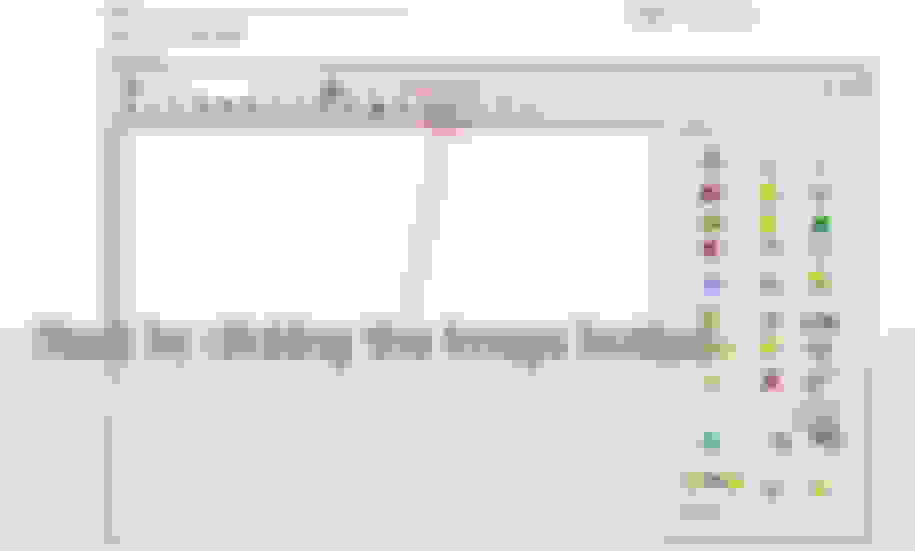
2. You can drag & drop from a folder, open and browse to choose images, or just as always--add a URL.
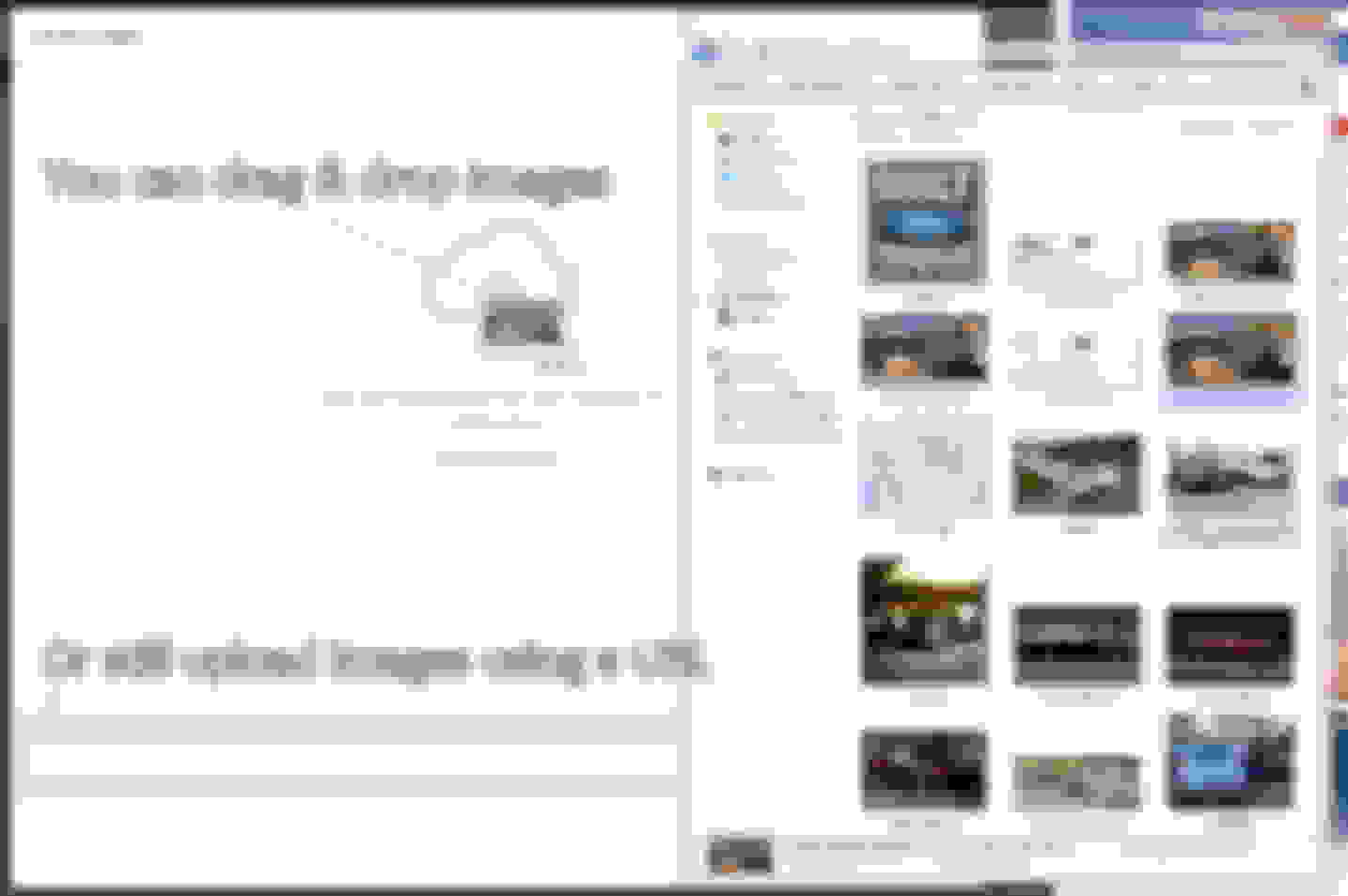
3. The images will then upload to your album in the gallery, from which you can pull these images in the future for other threads.

In the upper right-hand corner, clicking "Reorder Images" will allow you to move your images around into the order you would like displayed in the thread.
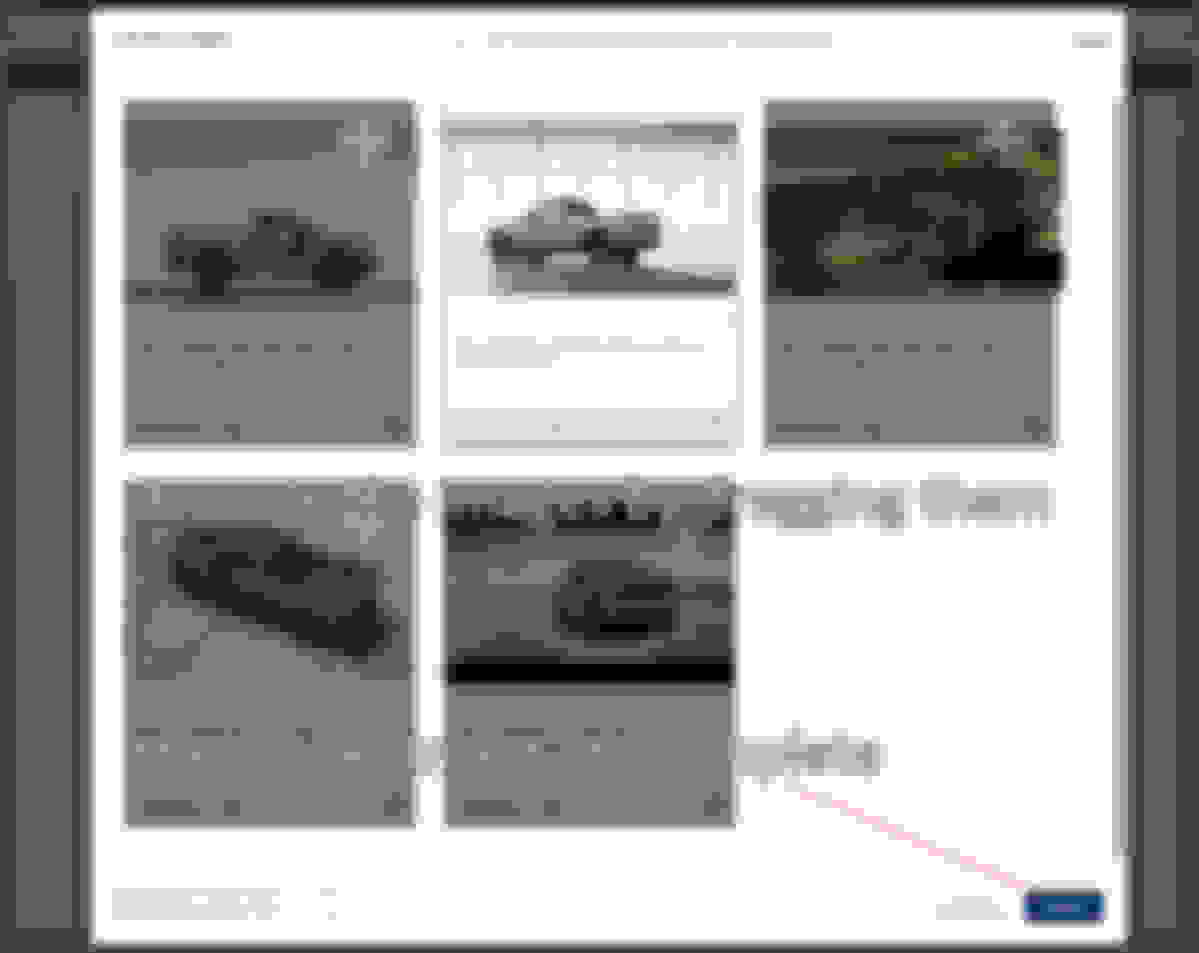
Now we have images in the thread!
PART II: Adding existing images
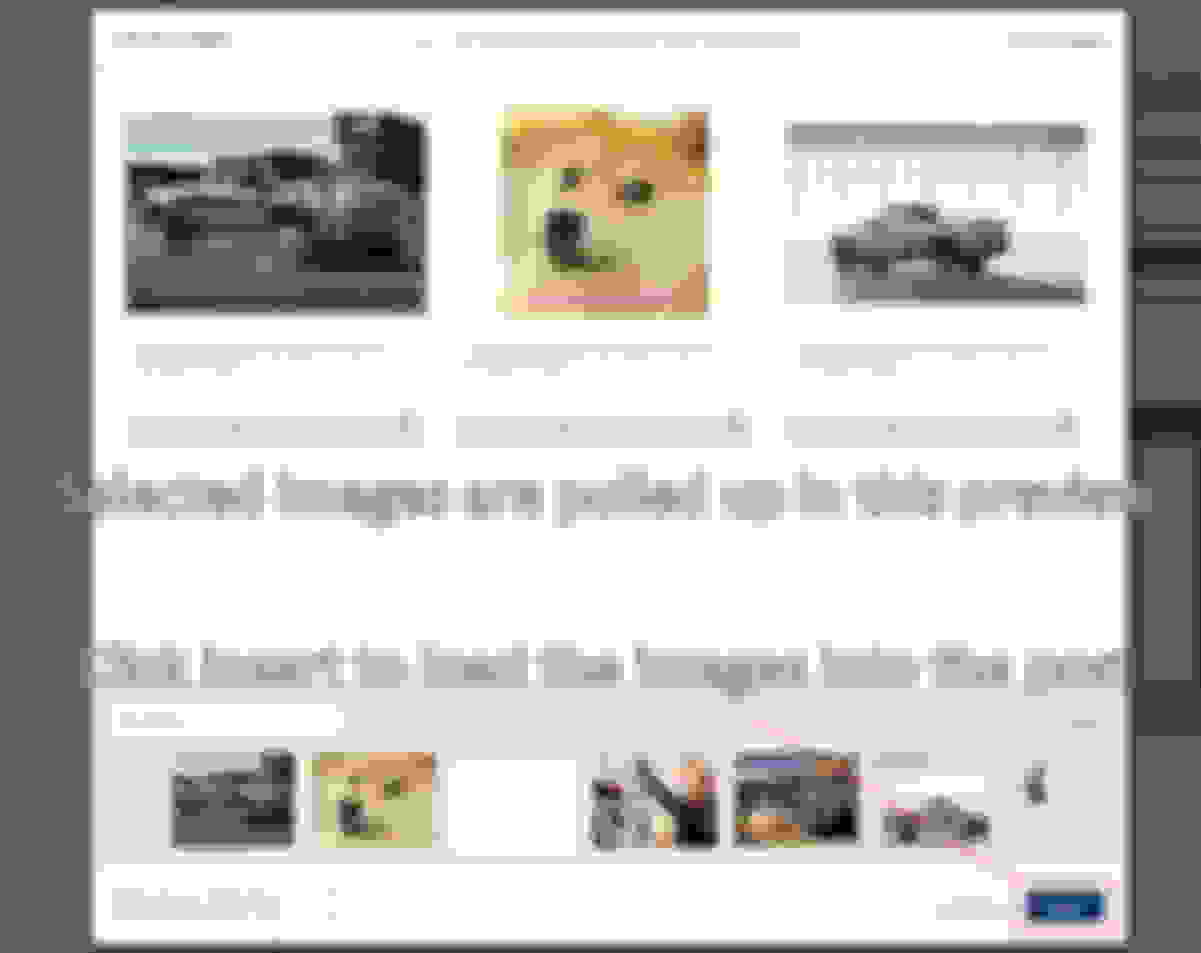
Open the Add Images as usual, and click on "Add from Albums"

Scroll through the bottom and click on the images to add them

Choose your images, and click insert to add them into your post!

2. You can drag & drop from a folder, open and browse to choose images, or just as always--add a URL.

3. The images will then upload to your album in the gallery, from which you can pull these images in the future for other threads.

In the upper right-hand corner, clicking "Reorder Images" will allow you to move your images around into the order you would like displayed in the thread.

Now we have images in the thread!

PART II: Adding existing images
Open the Add Images as usual, and click on "Add from Albums"

Scroll through the bottom and click on the images to add them

Choose your images, and click insert to add them into your post!

Last edited by IB Nolan; Jan 1, 2016 at 11:20 PM.
Reply
 1
1

1

Hmm, I just tried to insert an image from imgur a minute ago, and I get this:
https://i.imgur.com/Xzb8SZg.png
URL I tried to upload: https://i.imgur.com/X4uP0BD.jpg
Using [img] tags in the old editor worked though.
https://i.imgur.com/Xzb8SZg.png
URL I tried to upload: https://i.imgur.com/X4uP0BD.jpg
Using [img] tags in the old editor worked though.
Reply
0
0




Thread Starter
IB Staff
Joined: Dec 2013
Posts: 24
Total Cats: 1
<p>
</p><p> </p><p>I'm not sure why, but we've had some issues with imgur that we still haven't figured out....</p>
Hmm, I just tried to insert an image from imgur a minute ago, and I get this: https://i.imgur.com/Xzb8SZg.png URL I tried to upload: https://i.imgur.com/X4uP0BD.jpg Using [img] tags in the old editor worked though.
Reply
0
0

Thread
Thread Starter
Forum
Replies
Last Post
bigmackloud
Miata parts for sale/trade
19
Jan 8, 2021 11:24 AM
stoves
Suspension, Brakes, Drivetrain
5
Apr 21, 2016 03:00 PM
russian
Miata parts for sale/trade
6
Oct 8, 2015 03:01 PM


