When you click on links to various merchants on this site and make a purchase, this can result in this site earning a commission. Affiliate programs and affiliations include, but are not limited to, the eBay Partner Network.
I'm new to tuning and want to make sure my knock sensor works before I start changing values.
I have a MS3 PNP with Tuner Studio Ultra and 1999 Miata.
In Tuner Studio, how can I see that knock has happened? (Also, how to I safely, temporarily introduce it for testing purposes?)
Is there a way to test the sensor itself?
I tried taking the knock sensor off the block yesterday to look at it, but it wouldn't budge. Any advice?
This is how I found my knock sensor wiring yesterday.
I tried hitting the block near the sensor with a socket extension but didn't see anything show up in Tuner Studio.
Maybe I should actually tap the sensor itself.
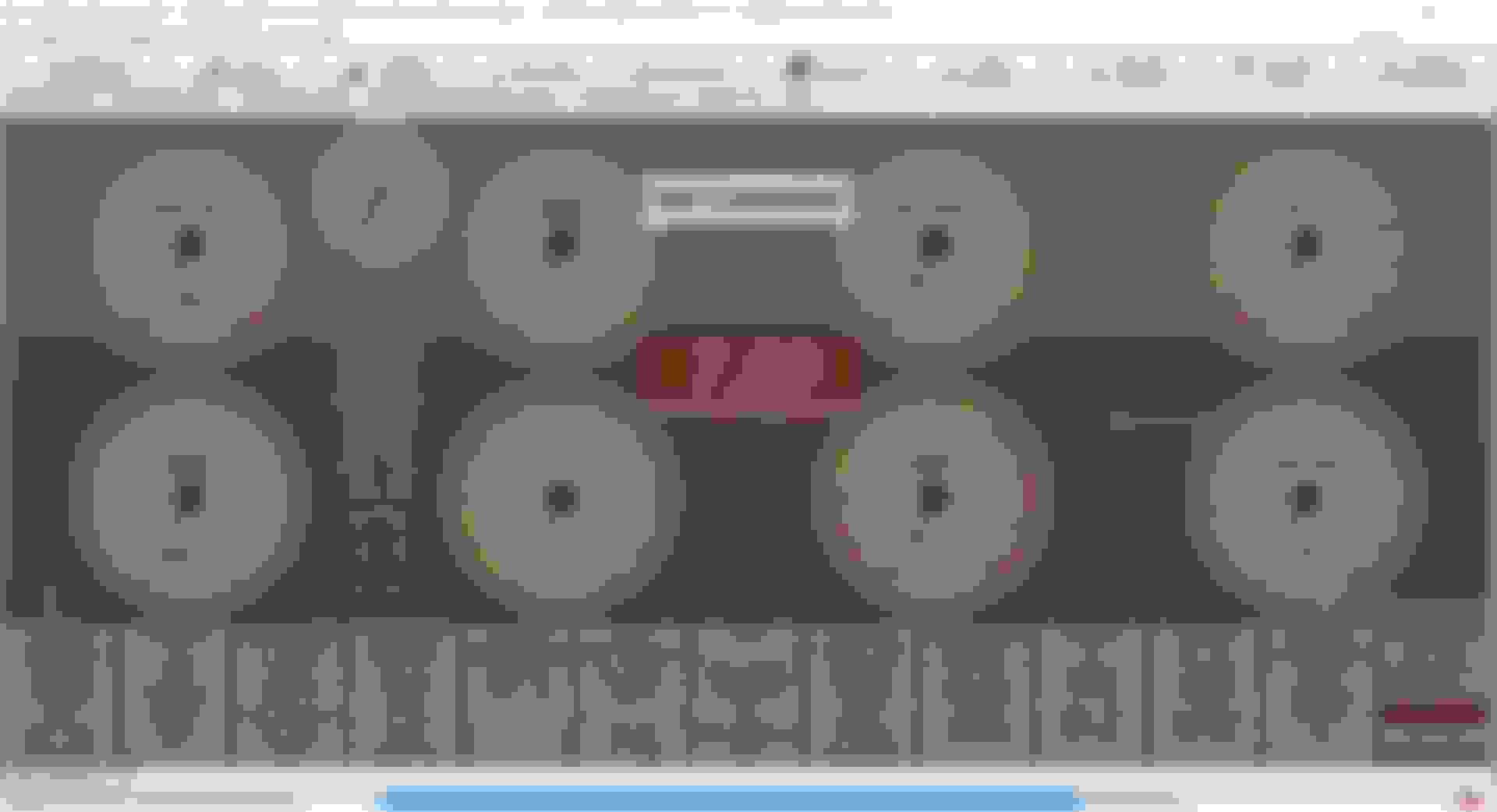
Here is how my gauge cluster is set up right now.
Didn't get see a reading on any of these while tapping.
You won't see anything show up in TS. The "Knock" light is going to blip very quickly, and that assumes you have all the settings right already. Start a datalog, tap the sensor with a screwdriver a few times, then stop the log. You should see a change in the raw knock input.
Alternatively, just hook the damn sensor up. It's a single shielded wire, so the input goes to the ECU and the shield gets grounded. Once it's hooked up, you can just blip the throttle and see the raw value change. If it doesn't change, it's not working.
I looked at my logs in MegaLogViewer but couldn't figure out how to view the knock input.
When you say "blip the throttle and see the raw value change", that means my column of green knock inputs (in my dashboard screenshot) should show something higher than 0.0?
I attached a recent data log.
Last edited by zeek55wb; Oct 30, 2018 at 07:58 PM.
Reason: Added data log



 How Do I Test '99 Knock Sensor?


 0
0




 It's a single shielded wire, so the input goes to the ECU and the shield gets grounded. Once it's hooked up, you can just blip the throttle and see the raw value change. If it doesn't change, it's not working.


