


MSPNP2 port test failure


Thread Starter
Newb
Joined: Dec 2014
Posts: 19
Total Cats: 0
 MSPNP2 port test failure
Hey guys, I have been searching all day for solutions to this issue with no luck. I was able to get my laptop (windows 7) to finally detect the megasquirt but it keeps saying failed when I try to test the port. It says my firmware is: MS2/extra 3.4.0. I changed the baud to 115200, as well as the settings in devices manager. What else can I try? It is a used megasquirt so I am not 100 % which serial usb cable it is but the previous owner was able to get it to load so that cannot be the issue.
Reply
 0
0

0



Thread Starter
Newb
Joined: Dec 2014
Posts: 19
Total Cats: 0
It finds it when I press detect, but after getting to the screen with the gauges it says "not connected" and when I click test port 3, which is where it was detected, it says failed.
Reply
0
0
that's odd. if it finds it, configured the port for you and used the loads the firmware file, then at the end it should already show “Successful!!!” once that last page opens up.
can you post a screen shot of what it displays when you click detect?
can you post a screen shot of what it displays when you click detect?
Reply
0
0
Thread Starter
Newb
Joined: Dec 2014
Posts: 19
Total Cats: 0
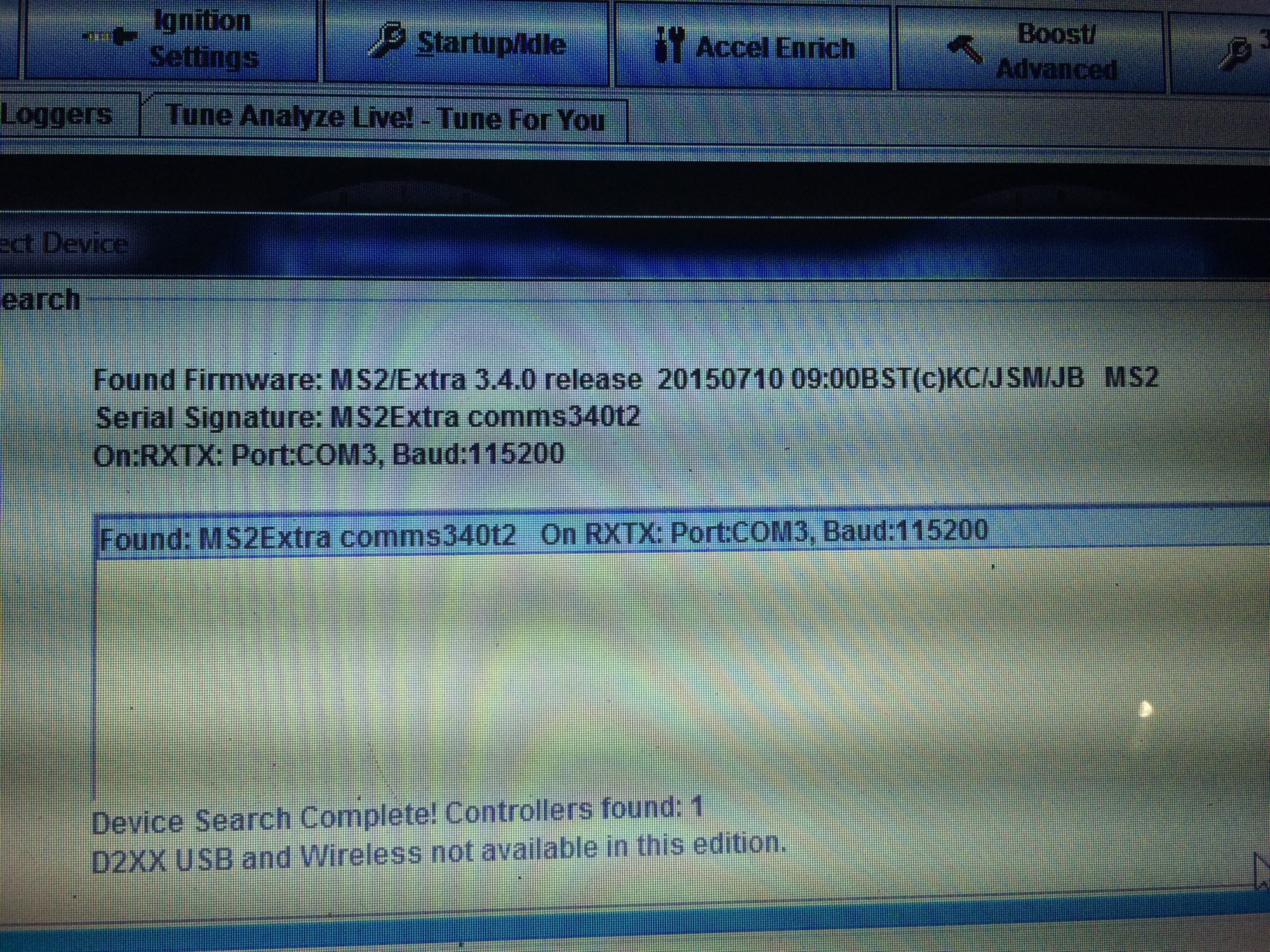
I apologize for my potato phone camera quality
Reply
0
0
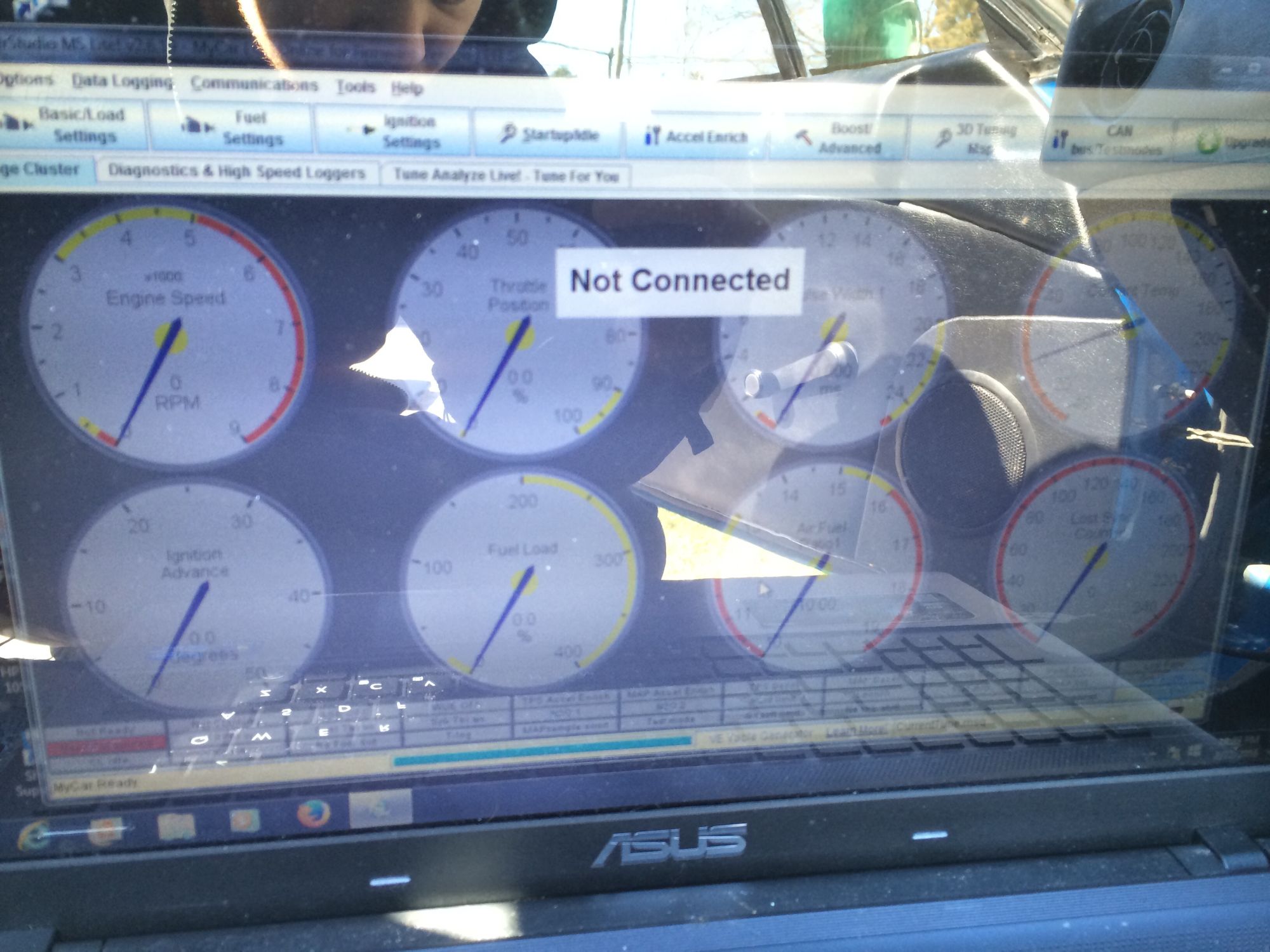
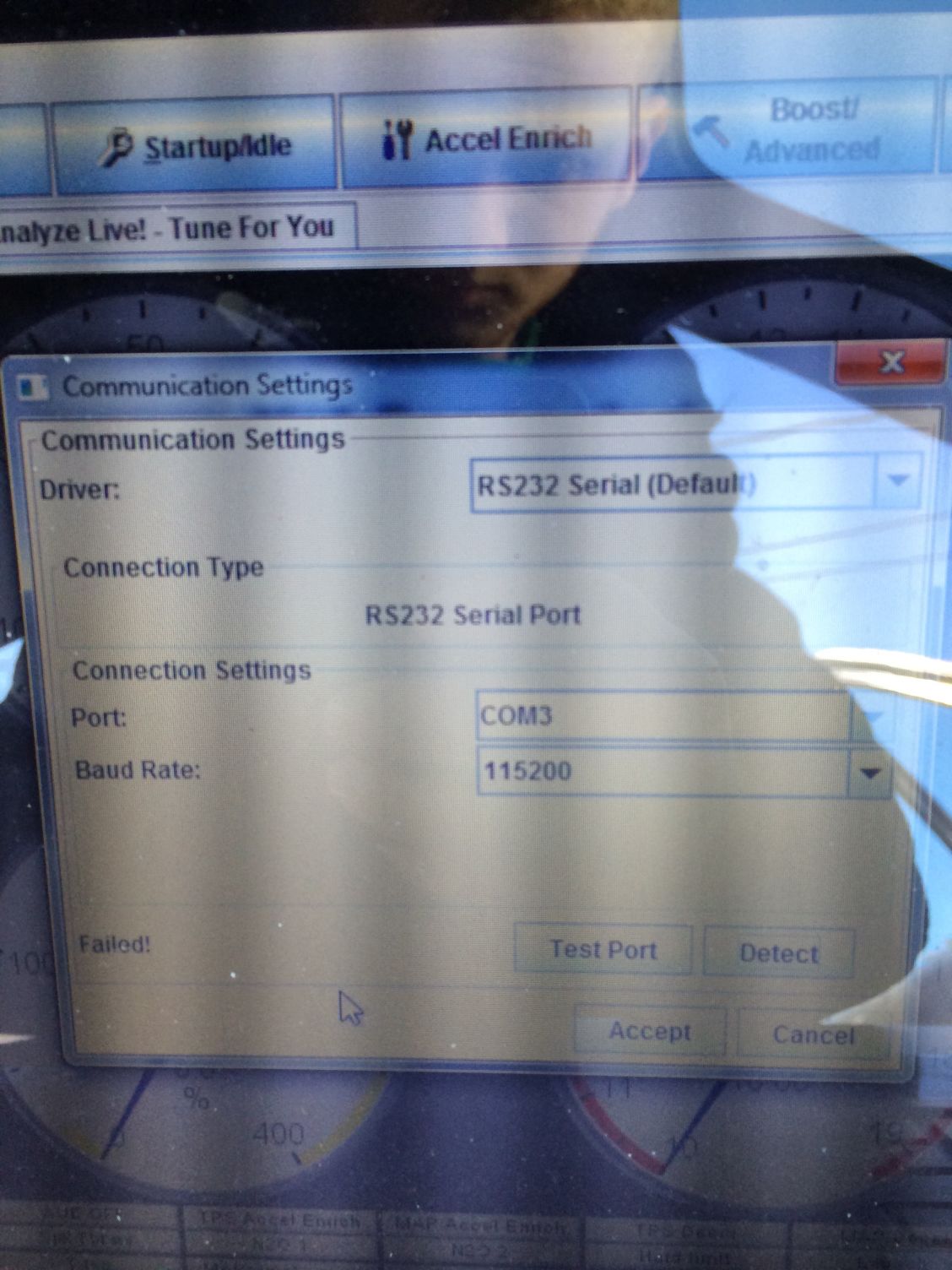


Your USB serial converter drivers are not installed.

Reply
0
0
Thread Starter
Newb
Joined: Dec 2014
Posts: 19
Total Cats: 0
I uninstalled and reinstalled the drivers, restarted the laptop a couple times and still did not have any luck. I really wish that I didn't try to reload the firmware because now I have no clue how to get it reloaded. It is a pnp unit not a diy so do I need to open it up and put a boot jumper in?
Reply
0
0

Thread
Thread Starter
Forum
Replies
Last Post


