


Computer Advice Needed


If it was simply that, I'd blame the KF. But the Netgear website and THEIR OWN FIRMWARE killed the router. That is unacceptable. Further, when confronted with it (via phone), they claimed knowing about the issue, but refused to do anything about it. Not even a partial credit on a new one.
Reply
 0
0

0

Thread Starter

Joined: Aug 2008
Posts: 6,110
Total Cats: 283
From: Key West
Good news, *******. I am posting from the comfort of my glorious couch using my K520 wireless keyboard/mouse combo on my first PC build.
Pics for dem ho's after finally building this piece of crap.
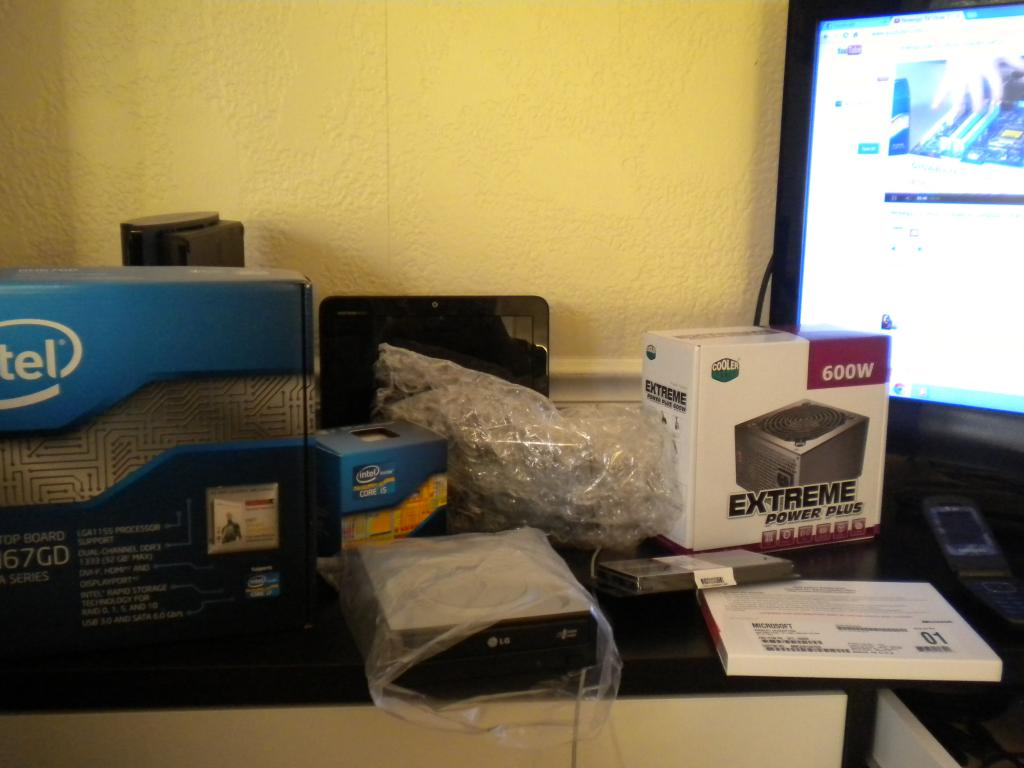
dem hardwares
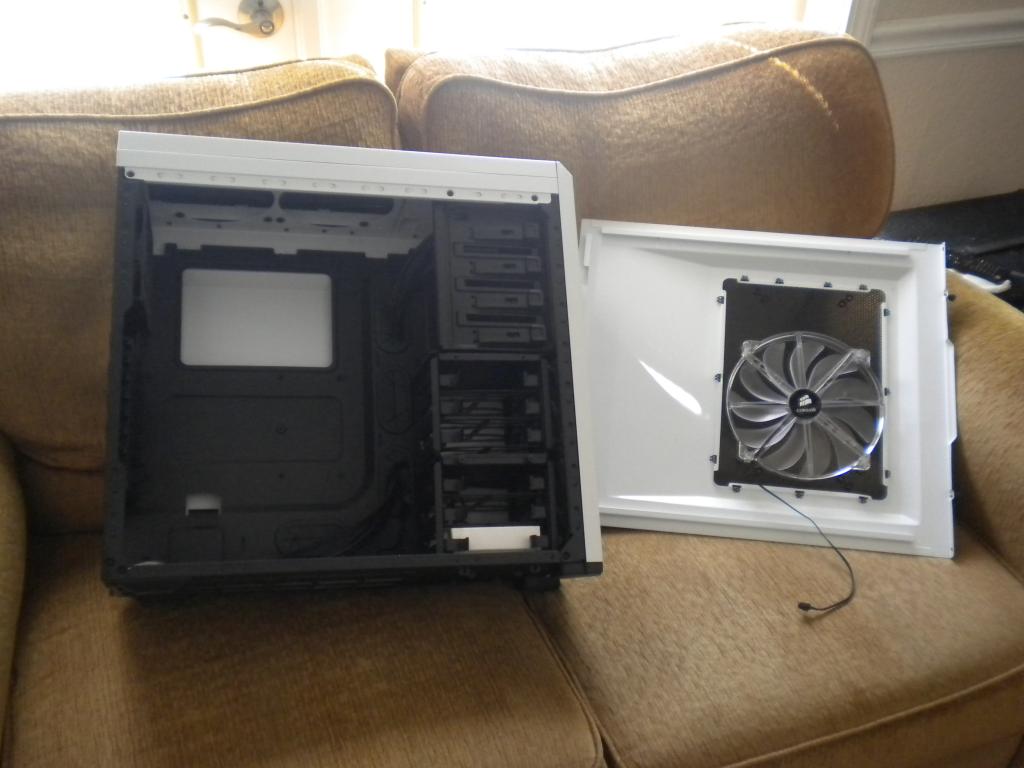
dat case wit dem big fans
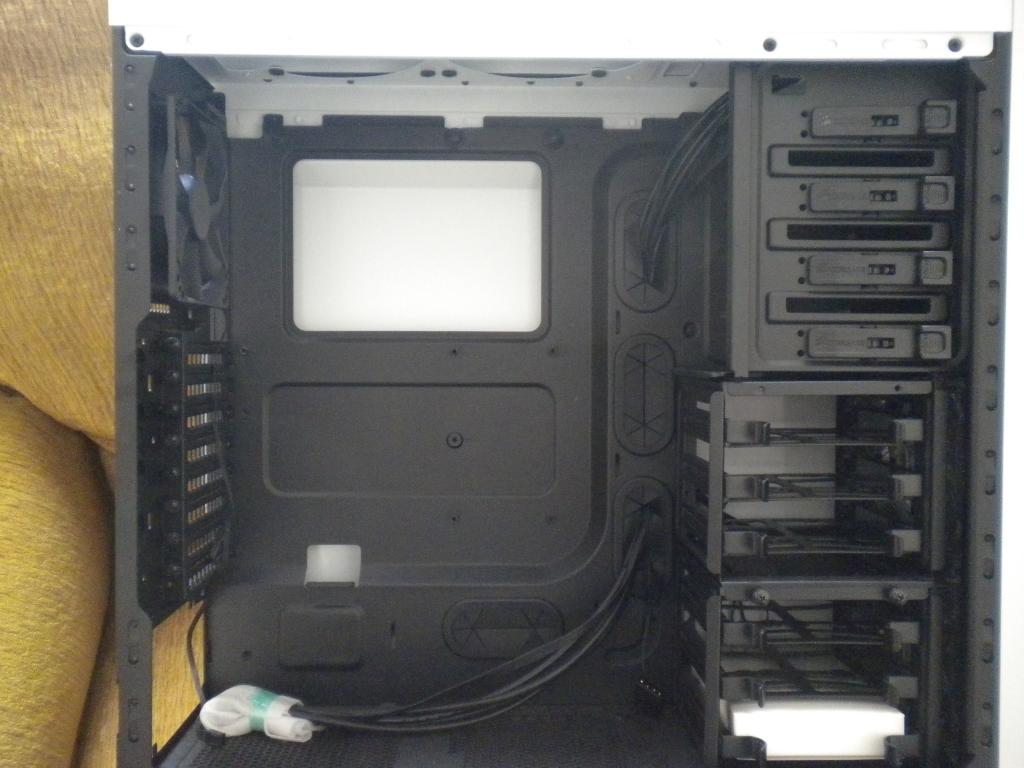
dem cages
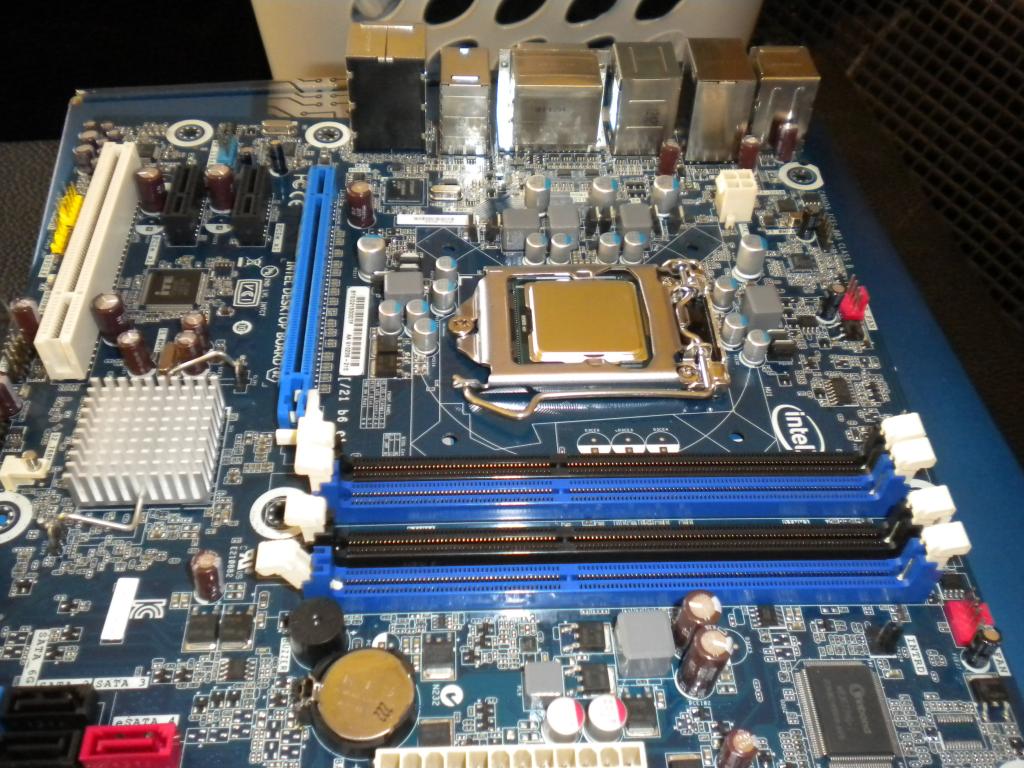
dat mobo
dat cpu cooler
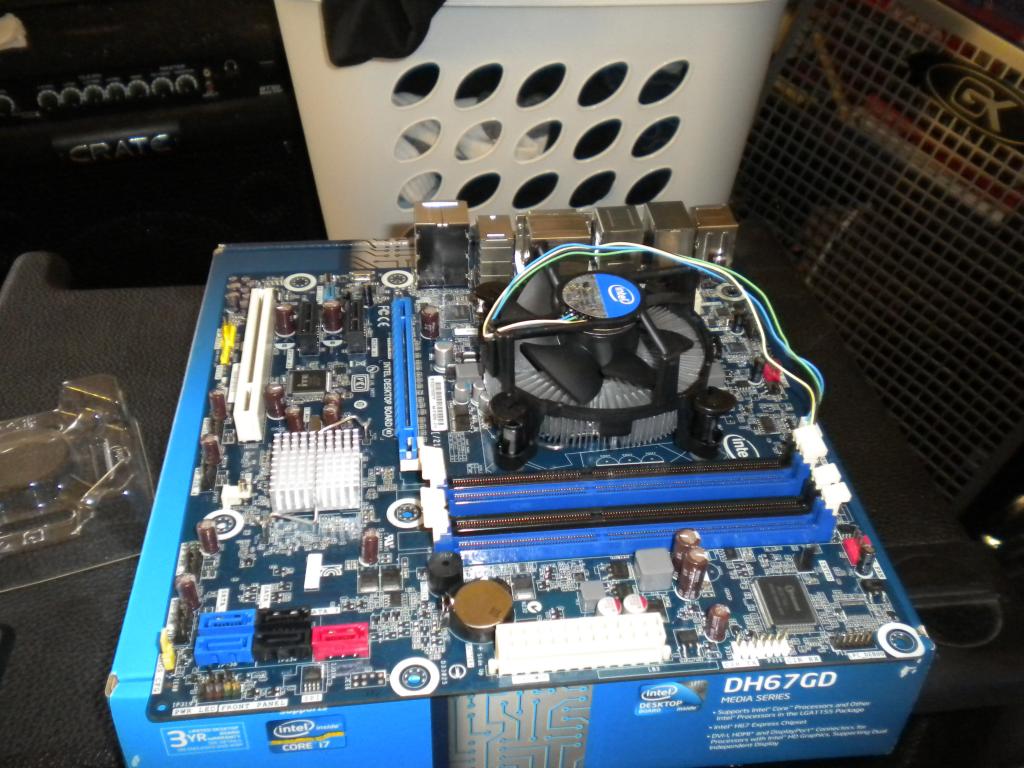
dat ram

dat power supply
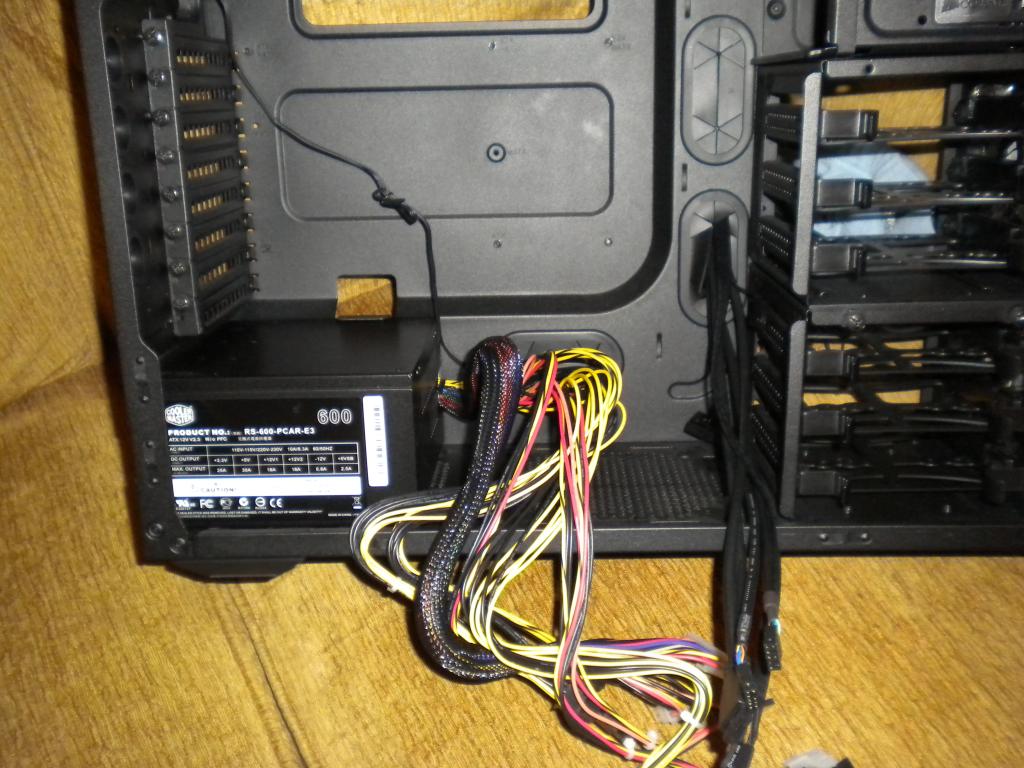
dat optical drive wit dem clean installs

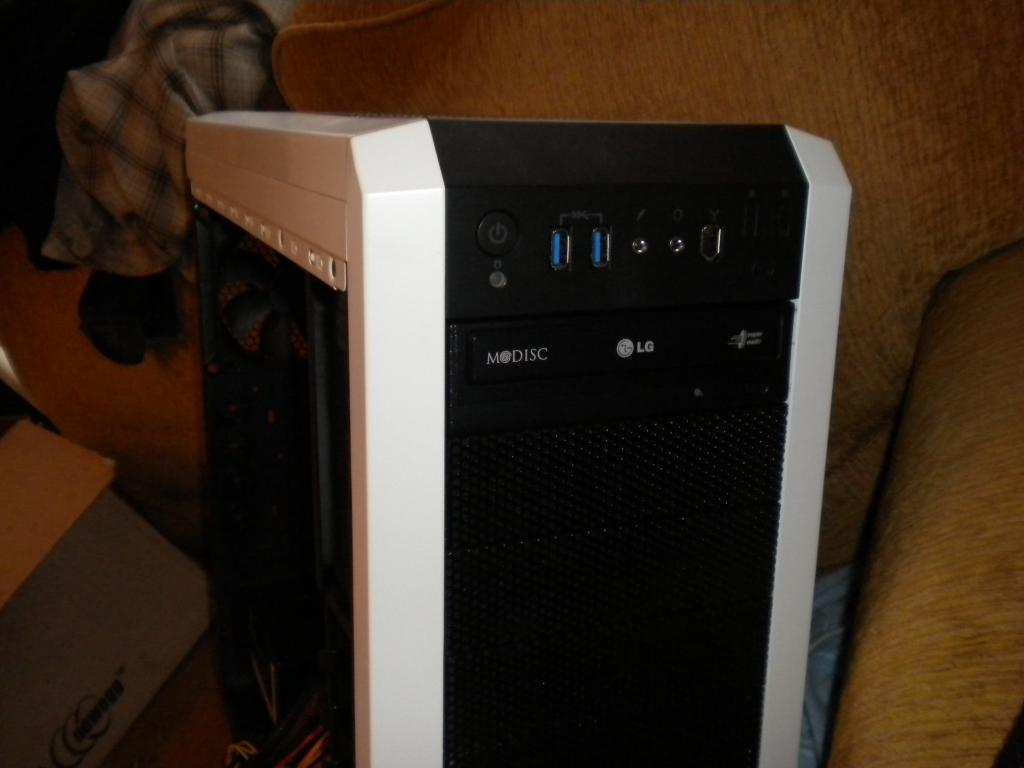
dat hard drive

dat ******* wire mess (It honestly took me 2 hours to just do the wires)

dat slightly cleaned up wire mess
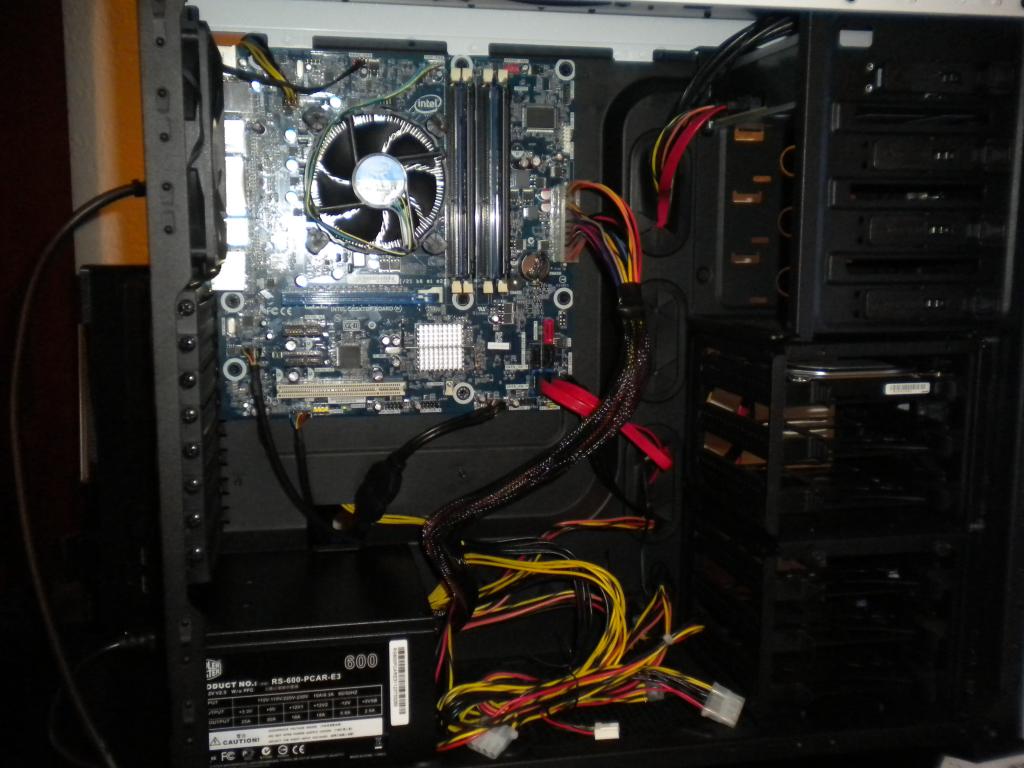
dat windows install

dat noob bashing in comfort
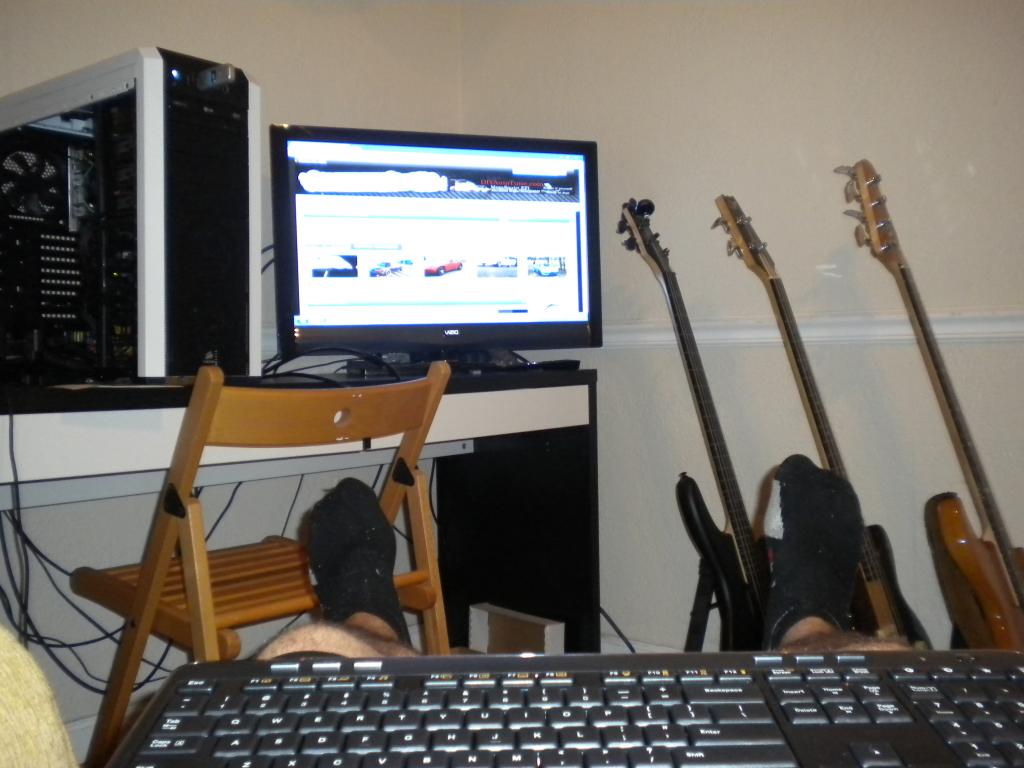
In all seriousness, thank you. This was my first time doing anything like this and I know that I would have never done it without you guys. /end gayness.
So, I solved my internet issues. Turns out I had a Linksys wireless USB system BNIB from a while back. Works great and my internet speed is much more than I really need. I can effortlessly load HD youtube videos, so I'm happy.
Also, I have a fan issue. I noticed a "tick" on my test boot. Turns out it was coming from one of the two fans on the front of the case. The lower fan is rubbing on something. So, for now, I just disconnected it; I still have another fan right above it, a gigantic fan on the side of the case and the exhaust fan on the back. This case also has an integrated fan controller on the front panel. Now, I'm not sure if I need to worry about not having one of the front fans, if I should just compensate by setting the fan controller the mid-speed. Thoughts on that would be great.
I'm off to play Super Nintendo emulators. Thanks MT.
Edit: First post on new comp!
Pics for dem ho's after finally building this piece of crap.
dem hardwares
dat case wit dem big fans
dem cages
dat mobo
dat cpu cooler
dat ram
dat power supply
dat optical drive wit dem clean installs
dat hard drive
dat ******* wire mess (It honestly took me 2 hours to just do the wires)
dat slightly cleaned up wire mess
dat windows install
dat noob bashing in comfort
In all seriousness, thank you. This was my first time doing anything like this and I know that I would have never done it without you guys. /end gayness.
So, I solved my internet issues. Turns out I had a Linksys wireless USB system BNIB from a while back. Works great and my internet speed is much more than I really need. I can effortlessly load HD youtube videos, so I'm happy.
Also, I have a fan issue. I noticed a "tick" on my test boot. Turns out it was coming from one of the two fans on the front of the case. The lower fan is rubbing on something. So, for now, I just disconnected it; I still have another fan right above it, a gigantic fan on the side of the case and the exhaust fan on the back. This case also has an integrated fan controller on the front panel. Now, I'm not sure if I need to worry about not having one of the front fans, if I should just compensate by setting the fan controller the mid-speed. Thoughts on that would be great.
I'm off to play Super Nintendo emulators. Thanks MT.
Edit: First post on new comp!
Reply
0
0
Thread Starter
Joined: Aug 2008
Posts: 6,110
Total Cats: 283
From: Key West
Not bad at all
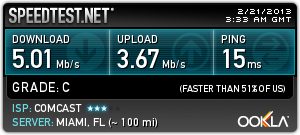
Okay, so it's making noises...that's normal, right?
Also, this fan thing has be tripping out. The exhaust is cold, but I'm still not sure how best to monitor temps.
Okay, so it's making noises...that's normal, right?
Also, this fan thing has be tripping out. The exhaust is cold, but I'm still not sure how best to monitor temps.
Reply
0
0

Reply
0
0

Core temp for the cpu, I think it will show you gpu as well but I dont bother because I have MSI afterburnder for temps in game. Not that it matters, my GPU never even gets warm.
Since youre probably nVidia, you can use EVGA Precision to do the same thing.
Theres not much to worry about, unless you did a really bad job applying thermal paste. The Intel CPUs can take a lot of heat, and they will throttle before they break.
My Phenom II x4 runs on coal, so I hit 50 C with my H50 cooler and 2 120mm fans on the radiator, and Im only at 4.0 Ghz. 50 C for a modern Intel is no big deal, but its pretty much my upper limit of comfort.
Also, your download speed is bullshit. Id **** Comcast in the mouth.
I probably pay the same amount as you, and I get this:
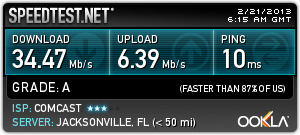
and I still think its pretty slow. I got lots of motherfucking anime to download.
Since youre probably nVidia, you can use EVGA Precision to do the same thing.
Theres not much to worry about, unless you did a really bad job applying thermal paste. The Intel CPUs can take a lot of heat, and they will throttle before they break.
My Phenom II x4 runs on coal, so I hit 50 C with my H50 cooler and 2 120mm fans on the radiator, and Im only at 4.0 Ghz. 50 C for a modern Intel is no big deal, but its pretty much my upper limit of comfort.
Also, your download speed is bullshit. Id **** Comcast in the mouth.
I probably pay the same amount as you, and I get this:
and I still think its pretty slow. I got lots of motherfucking anime to download.
Reply
0
0
Thread Starter
Joined: Aug 2008
Posts: 6,110
Total Cats: 283
From: Key West
Core temp for the cpu, I think it will show you gpu as well but I dont bother because I have MSI afterburnder for temps in game. Not that it matters, my GPU never even gets warm.
Since youre probably nVidia, you can use EVGA Precision to do the same thing.
Theres not much to worry about, unless you did a really bad job applying thermal paste. The Intel CPUs can take a lot of heat, and they will throttle before they break.
My Phenom II x4 runs on coal, so I hit 50 C with my H50 cooler and 2 120mm fans on the radiator, and Im only at 4.0 Ghz. 50 C for a modern Intel is no big deal, but its pretty much my upper limit of comfort.
Since youre probably nVidia, you can use EVGA Precision to do the same thing.
Theres not much to worry about, unless you did a really bad job applying thermal paste. The Intel CPUs can take a lot of heat, and they will throttle before they break.
My Phenom II x4 runs on coal, so I hit 50 C with my H50 cooler and 2 120mm fans on the radiator, and Im only at 4.0 Ghz. 50 C for a modern Intel is no big deal, but its pretty much my upper limit of comfort.
Yikes, I wish I had that. Not much I can do, really.
Reply
0
0




Thread Starter
Joined: Aug 2008
Posts: 6,110
Total Cats: 283
From: Key West
Reply
0
0
Thread Starter
Joined: Aug 2008
Posts: 6,110
Total Cats: 283
From: Key West
I waited until Black Friday to buy everything, otherwise it would have been around a grand. Either way, I'm pleased with the outcome. This was a lot easier than I expected it to be and it's great knowing what's going on inside my computer case.
Update: Forgot to mention that I named my computer after Tom's ship from Toonami. The Absolution.
Decided to load my mobo driver cd (retard) and Project 64 looks/sounds wonderful, even when blown up on on the HD tv. I'm going to clock in some hours on Star Fox before I go to work.
Update: Forgot to mention that I named my computer after Tom's ship from Toonami. The Absolution.
Decided to load my mobo driver cd (retard) and Project 64 looks/sounds wonderful, even when blown up on on the HD tv. I'm going to clock in some hours on Star Fox before I go to work.
Reply
0
0

Joined: Sep 2005
Posts: 34,429
Total Cats: 7,548
From: Chicago. (The less-murder part.)
This is so nuts. I mean, listen - listen to what you're saying. It's paranoid delusion. It's really sad. It's pathetic.
I wish I could claim that speedtest as my own. I captured that one a couple of years ago while I was doing an install at KSCR, on the USC campus. What's really amusing is that all it actually shows is that I've maxed out the ethernet port on my laptop. Who knows what kind of bandwidth the switch I was connected to was capable of accessing.
I wish I could claim that speedtest as my own. I captured that one a couple of years ago while I was doing an install at KSCR, on the USC campus. What's really amusing is that all it actually shows is that I've maxed out the ethernet port on my laptop. Who knows what kind of bandwidth the switch I was connected to was capable of accessing.
Reply
0
0
lol
You were asking how to monitor temps.
Core Temp:
Core Temp
What kind of graphics card do you have? nVidia?
This program, EVGA Preciusion, has a nice on screen display that will show your framerate, GPU usage, memory usage, and GPU temp:
EVGA | Software | EVGA Precision
Are you on WiFi?
I know my dad has comcast over in Key West and his speed was pretty lackluster when I was down there using it.
Probably not worth it. I know they "decay" in some way over time. Im not sure about the technical details, but they just "get shitty eventually".
I wnder if there is some way to take a complete image of your old HDD and put it on a new, faster, sexier HDD, and have it still work.
You were asking how to monitor temps.
Core Temp:
Core Temp
What kind of graphics card do you have? nVidia?
This program, EVGA Preciusion, has a nice on screen display that will show your framerate, GPU usage, memory usage, and GPU temp:
EVGA | Software | EVGA Precision
Are you on WiFi?
I know my dad has comcast over in Key West and his speed was pretty lackluster when I was down there using it.
I wnder if there is some way to take a complete image of your old HDD and put it on a new, faster, sexier HDD, and have it still work.
Reply
0
0
Thread Starter
Joined: Aug 2008
Posts: 6,110
Total Cats: 283
From: Key West
Reply
0
0
Reply
0
0
I have two HDDs. one is 300GB the other 500GB.
I just dont want ot have to deal with a fresh install and have to reload all my software, mainly a legimate copy of an OS, and all my other Swashbuckling stuff.
It takes like a week for me to download all my steam account and blizzard games, let alone install them.
I just dont want ot have to deal with a fresh install and have to reload all my software, mainly a legimate copy of an OS, and all my other Swashbuckling stuff.
It takes like a week for me to download all my steam account and blizzard games, let alone install them.
Reply
0
0


