When you click on links to various merchants on this site and make a purchase, this can result in this site earning a commission. Affiliate programs and affiliations include, but are not limited to, the eBay Partner Network.
AS5, arctic silver 5? How much did you put on there? Very hard to apply without over doing it.
Not enough to squeeze out the sides, but enough to spread and cover the die. Like I said before, I used the tape method. The thickness is about that of a piece of masking tape. By the time it spreads under weight, it pretty much goes to the edge side to side, and 7/8 of the way top to bottom. I will admit to having lifted the cooler off of the processor a good 5 or 6 times, so there is no telling what kind of mess I made of it, or even what possible air pockets I created by pulling the paste apart like that. But again, it'll be redone soon anyway, so no harm.
I have always just used what is applied on the coolers from the factory and never remove them. This has always granted me the best results. Though i don't care to run my components on the very brink of meltdown like you guys, i do overclock a little with no issues ever.
I think everyone is over thinking this to a certain extent. My "hot as hell" quadcore AMD runs at or below 100F during normal tasking. Seeing 50C after hard use is very very rare.
I have always just used what is applied on the coolers from the factory and never remove them. This has always granted me the best results. Though i don't care to run my components on the very brink of meltdown like you guys, i do overclock a little with no issues ever.
I think everyone is over thinking this to a certain extent. My "hot as hell" quadcore AMD runs at or below 100F during normal tasking. Seeing 50C after hard use is very very rare.
Maybe i just get lucky...
You dont really have an option in the matter when u lap the cpu.
Personally i'd do the X method and then clean off any extra if it squeezes out.
The stuff that comes on stock coolers seems like way too much to me, at least double what would be more optimal. But I guess the OEM has to cover their *** and make sure they indeed put enough. If you put that much on a lapped processor and aftermarket cooler with a backing plate, you would have compound running out all over the place.
4 new 110cfm fans on the way, and I reapplied the compound. Apparently I was right, I did move it around too much and it got really sloppy and spread out. This time I tried just applying a thin bead along each heat pipe, and already my temps are down a good 3 or 4C, prior to any sort of curing taking place. I sort of wish I had put just a little more on the processor itself, dead center over the die, since that is between two of the pipes, and might not have gotten full coverage. But so far, so good.
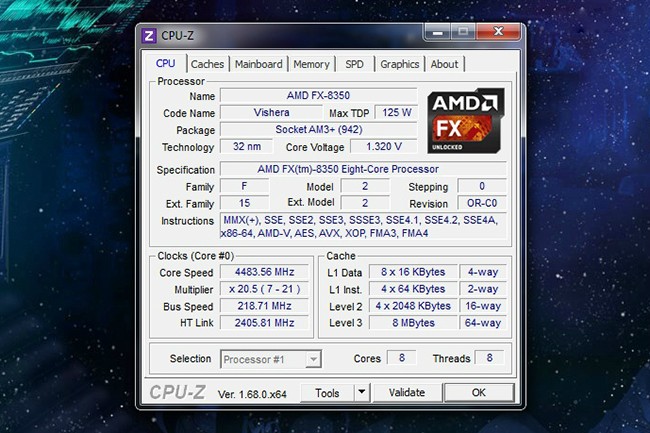
Current tune is a safe 4.35Ghz at 1.325v idle and 1.36v load, idle 30c and full load of 62c. The fan on the cooler now only flows half the air of the stock 212 fan. So I estimate a temp around 46-48c with the new fans with this same tune. Maybe 48-50c at 4.5Ghz where it used to be.
Shine on, processor.
Last edited by NA6C-Guy; Feb 15, 2014 at 12:54 PM.
******* computers! Getting my CPU stuff all sorted out, and now notice I have a GPU problem. I had been noticing lately some bogging down and lag when processing in Photoshop, and playing games. After running a benchmark, where most people with this GPU (MSI R7850 Twin Frozr 2GB) are getting 50-60fps, I'm only getting 20-25fps, with lows all the way down around 5fps. Uninstalled all drivers and reinstalled the newest, and still no go. Defaulted and readjusted all GPU settings through AMD CCC. Doesn't look like a CPU problem, since during benchmarking, the CPU load never goes above 20% or so on this particular benchmark. Played with NB and HT overclocking, and that did nothing. What ze *****!? It used to work awesomely, and I'm not sure when it went to ****. I don't auto update anything, and I haven't touched drivers or any other settings in a long time, so I'm not sure what the cause could be.
I can live with that. I guess I'm done with it for now. Still need to figure out this GPU issue though. These new fans move almost as much air as the old ones, but are about 60% quieter maxed out. If you include the big PSU fan and the GPU fans, I now have a total of 12 fans in my case. A bit much.
Last edited by NA6C-Guy; Feb 18, 2014 at 04:04 PM.
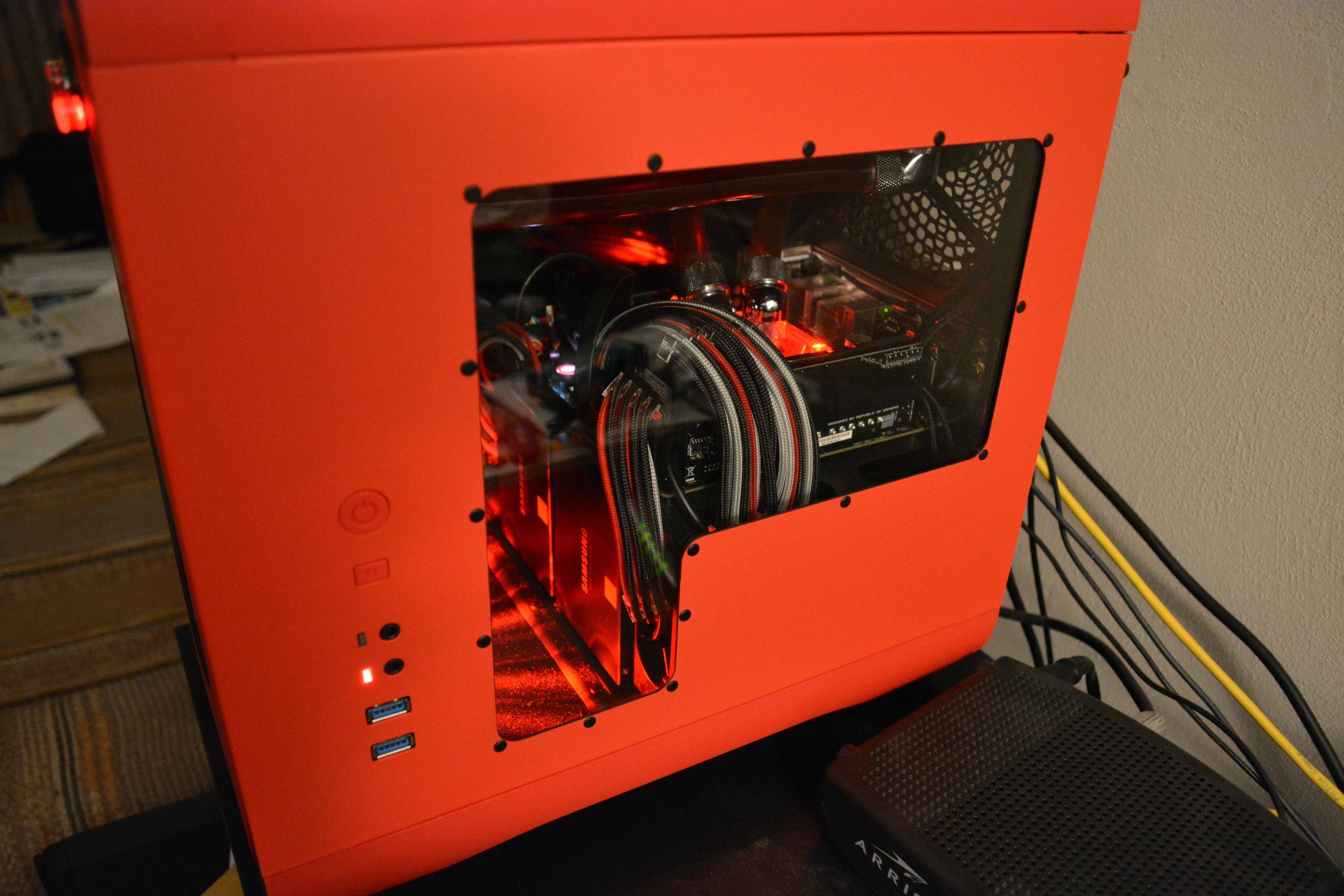
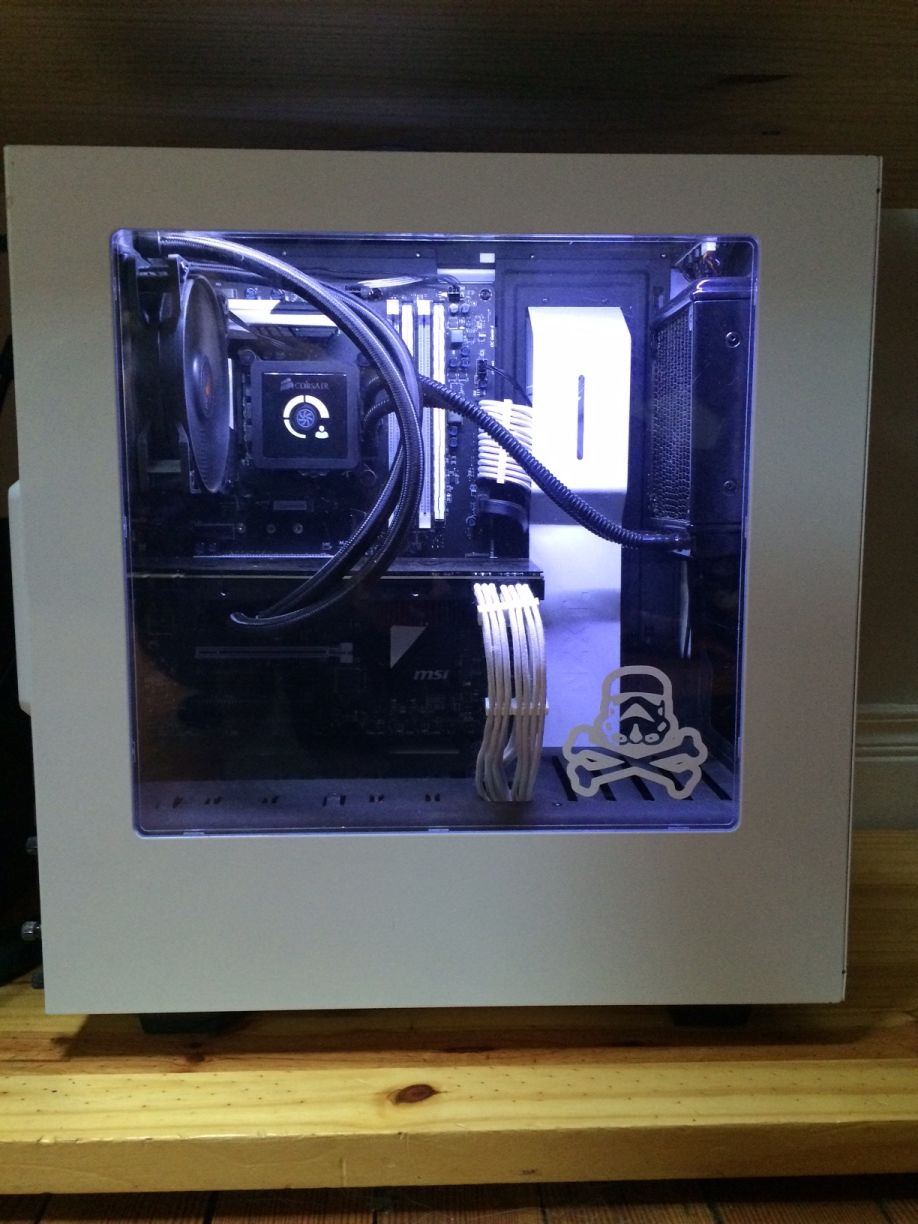
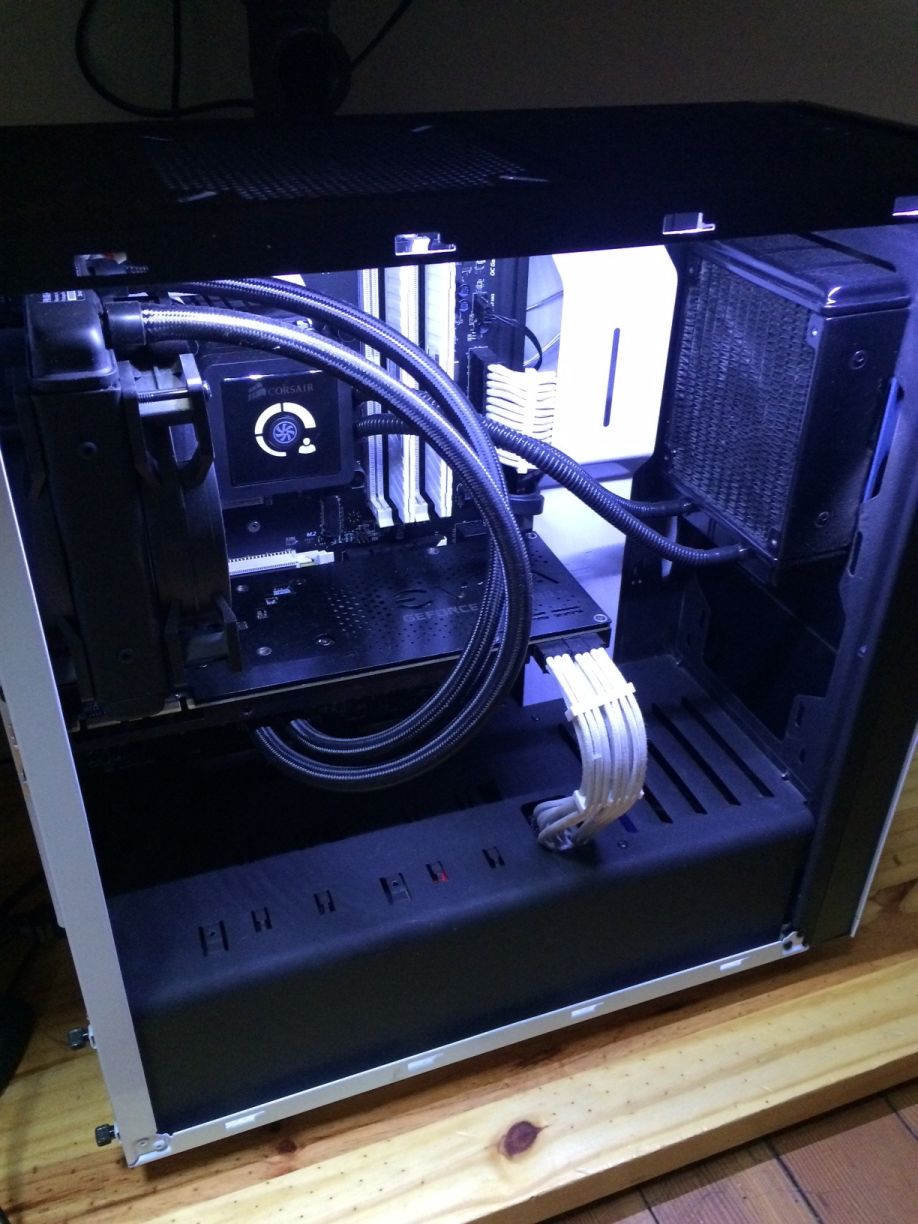
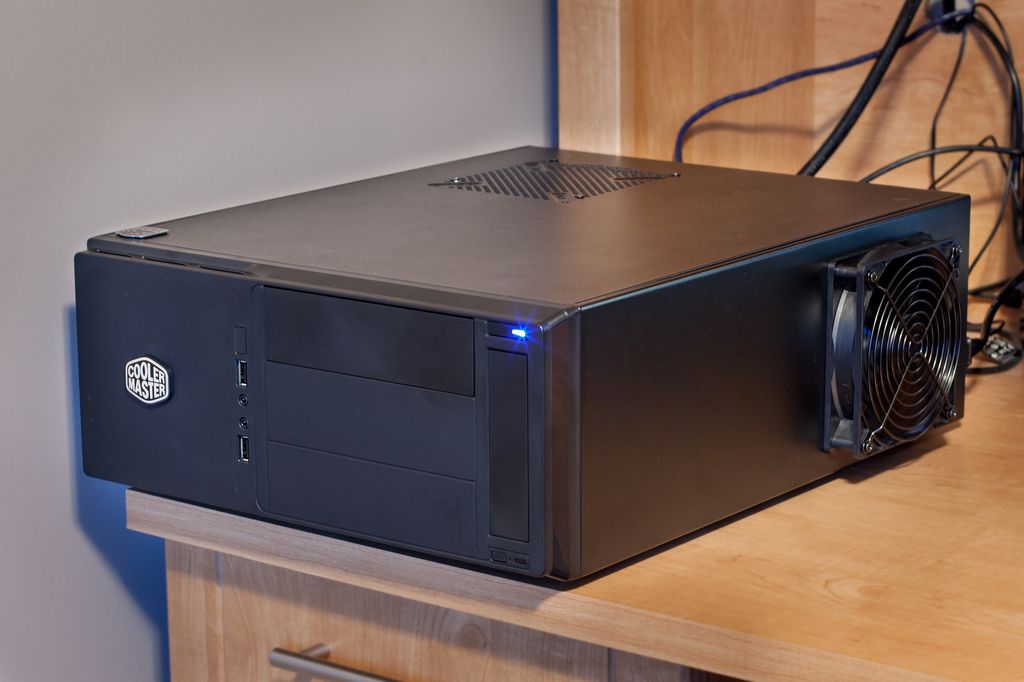
CPU: i5 3570k GPU: EVGA GTX 970 SSC w/ ACX 2.0 Mobo: Asus Z77-A Ram: 8GB Corsair Vengeance Low Profile DDR3 1600 PSU: Seasonic M12 520w Storage: Samsung 840 EVO 250GB Storage: Western Digital Caviar Blue 1TB PSU: Seasonic M12 520w Case: Coolermaster Elite 361 (needed a case to lay horizontally while still fitting an ATX mobo and full sized GPU)
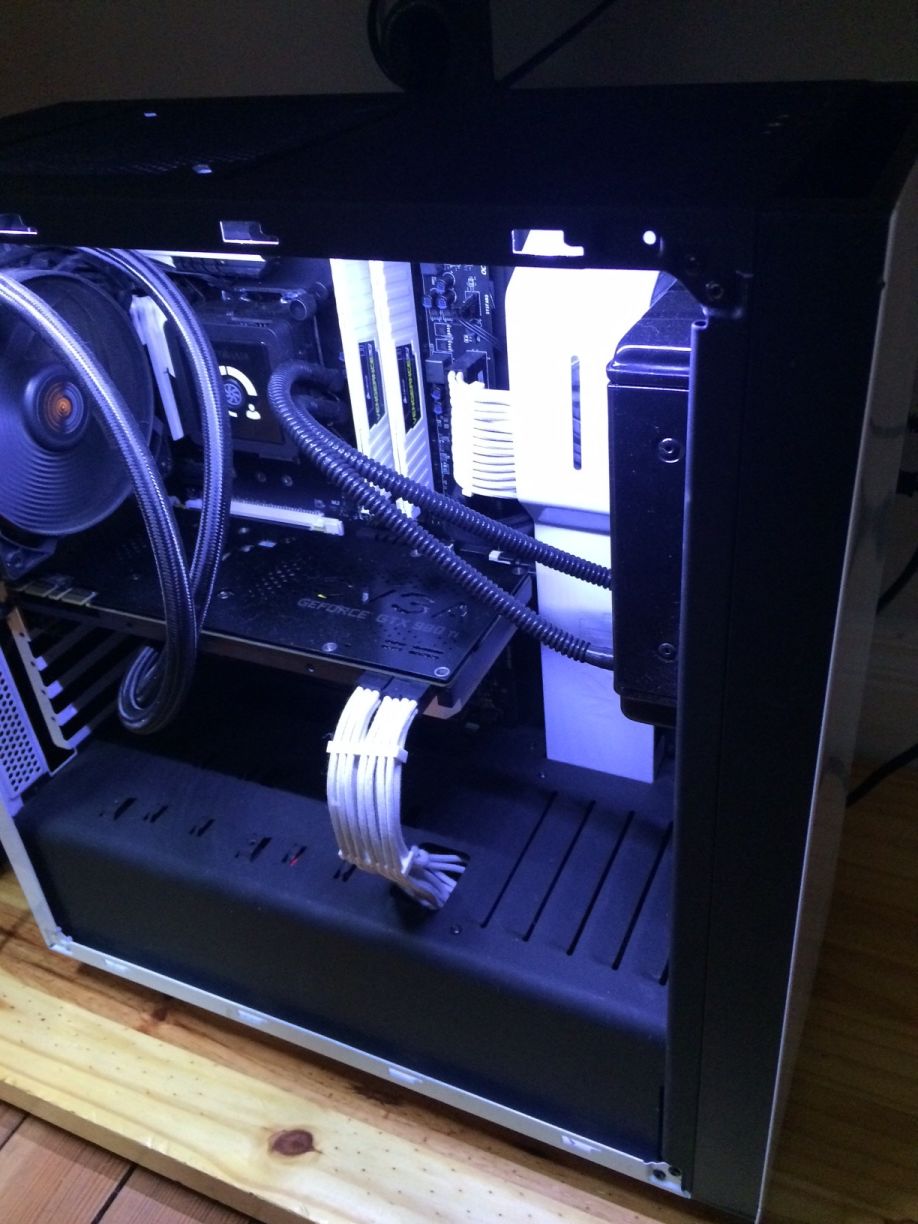
I run a 4770k with r9 290x, 8gb of ddr2400, two 512gb 840 pros in raid, and other stuff that doesn't make a difference. It is quiet though, practically silent at full tilt and entirely silent all other times. All enclosed, fill port through the front and a temperature/water level gauge.
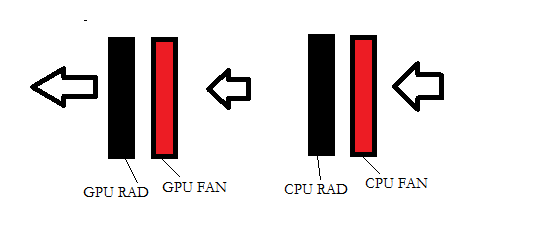
Unless they are both intakes, good placement on the cpu cooler radiator, **** placement on the gpu cooler radiator.
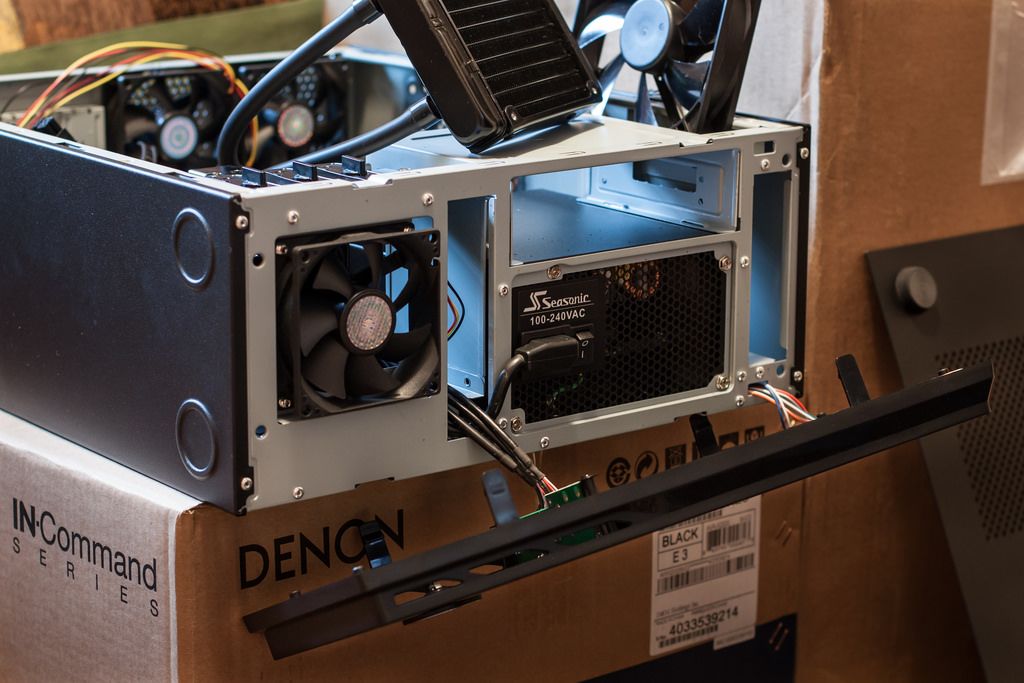
Each fan has a puller, meaning there's one continuous horizontal column of air. It works well, keeping the i5 at 4.5ghz < 60c under Prime95. GPU gets a bit warmer but that's because I game at 4K. Still below 70c, though.
Exactly, you dont want the gpu to be exhaust since then its sucking hot air from the other rad and whatever else heats it up inside the case.
I tested multiple scenarios and this had the lowest temps. Interrupting airflow with a top-mount exhaust actually increased temps.
The air coming off my CPU cooler isn't warm at all, even under load. This is a living room computer too, so I went with a minimal setup and quiet fans.
So intake on each side and exhaust on top didnt work better? Very surprising. Also which temps are you talking about specifically? Both or just the cpu?
I had similar results with my setup. I have a 80mm intake at the hdd's (front of the case), two 80mm exhaust back of the case, and the CPU cooler exhausting as well. That gave me the lowest temps.
Before that I had a positive pressure setup, hdd 80mm fan still on intake, two 80mm rears on exhaust, and the CPU cooler on intake. I was actually getting higher CPU temps, system temps, and hdd temps.
I don't have a ton of air being pulled into the case by the small 80mm intake, and the gpu just pulls air from the side of the case with the holes on the door.






 0
0




 GTX 760 vs GTX 970 by superkamikazee, on Flickr
 GTX 970 HTPC by superkamikazee, on Flickr
 GTX 970 HTPC 2 by superkamikazee, on Flickr